
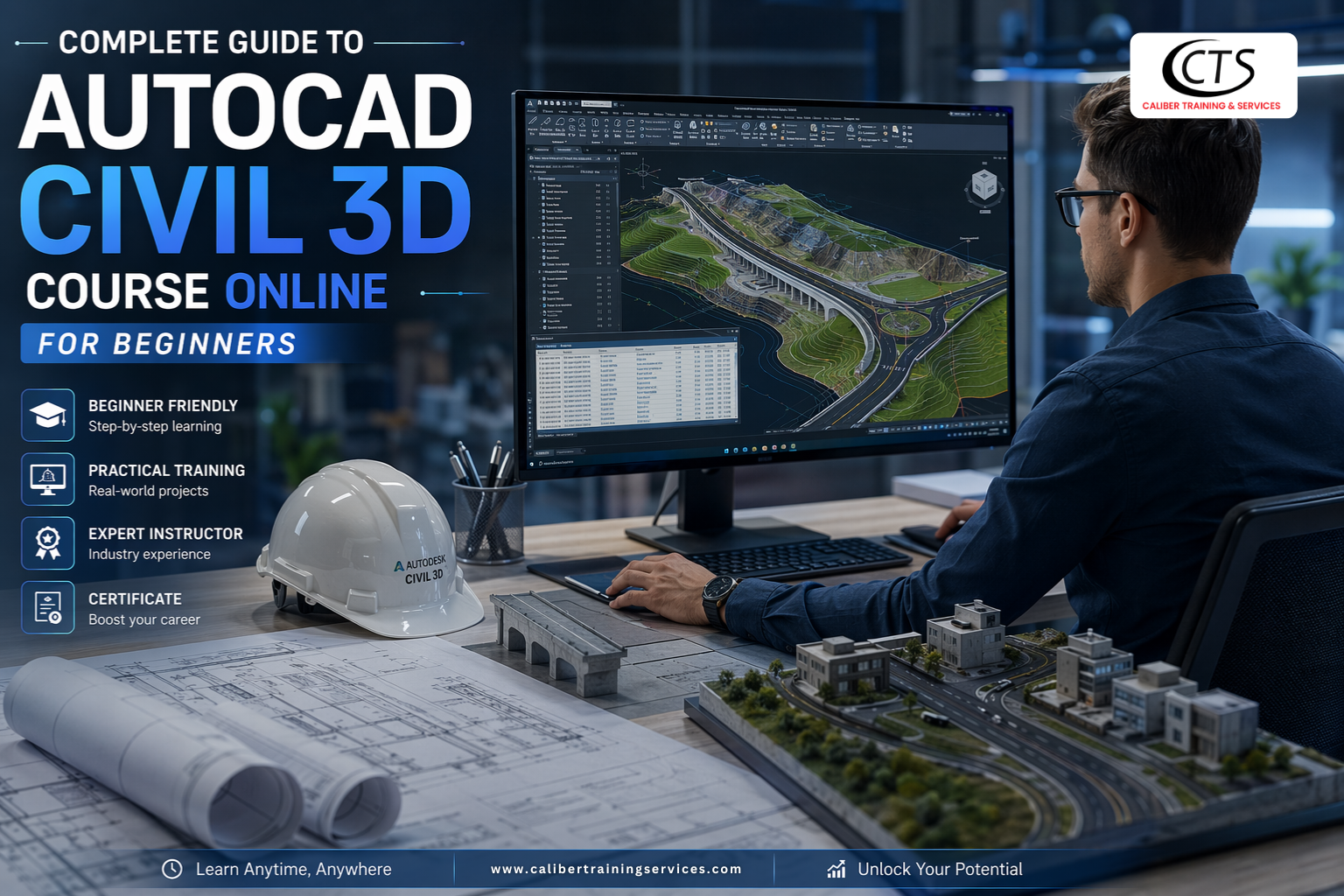
Complete Guide to AutoCAD Civil 3D Course Online for Beginners
There is only one query on the internet for AutoCAD Civil 3D. How can I begin learning Civil 3D if I’m a beginner or if my employer wants me to? etc. Additionally, other responses say things like “just keep learning; it’s easy” and “do practice.” But if you are a beginner and clueless about it, then you need a Civil 3D course online so that you can start to learn about it.
This blog is aimed at individuals who have just learned the ropes in CAD or have basic knowledge of it and are planning to take Civil 3D seriously. I will explain to you exactly what the tool is, how AutoCAD Civil 3D training online is done, what mistakes beginners make, and how to learn Civil 3D step by step so that you do not lose time.
How Civil 3D actually Works?
AutoCAD Civil 3D is applied to civil infrastructure design—roads, drainage, land grading, and utility design. It is the industry standard used by civil engineers, surveyors, and land development professionals.
This is the point where it diverges from normal AutoCAD, Civil 3D operates on intelligent and data-driven objects. A road in Civil 3D is not merely a set of lines; it is a corridor object that knows its elevation, slope, cross-section, and alignment. When you make any alterations, they automatically update.
This is the gist of it. This is why it is often confusing to learn it in the wrong way (random YouTube videos, no structure).
Why do beginners find Civil 3D difficult to use?
The majority of amateurs reach a dead end. The interface is intimidating. The terminologies are varied. And not like ordinary software, Civil 3D demands that you master civil engineering principles—not software buttons.
The following are the real causes of stagnation:
- They begin with complicated projects without familiarity with the data model.
- They bypass surfaces and alignments and shoot directly into corridors.
- They follow instructions on tutorials that do not tell them why they are doing something; they just know what to click.
- They are not trained on real-world data.
The best Civil 3D course online in USA corrects all these issues by establishing your base, then proceeding to higher levels.
Getting Started with AutoCAD Civil 3D Basics
As a beginner, it is necessary to learn about the Civil 3D workspace and its differences from ordinary AutoCAD. Civil 3D employs a dedicated environment, tool palettes, ribbons, and prospector tabs to handle design objects. The following are the simplest steps to start with:
Understanding the Interface
- Project data is handled by the Prospector Tab, including surfaces, alignments and profiles.
- The Settings Tab governs the styles, labels and drawing standards.
- The Ribbon Interface gives easy access to tools.
- The main location of administration of Civil 3D objects is the Toolspace.
Creating Surfaces
A digital terrain model is one of the initial steps of any project. This may be accomplished through importing survey points, contour data, or GIS files. Civil 3D automatically creates surfaces, including contour, slope, and elevation information.
Designing Alignments
Alignments are the horizontal positioning of roads, railways, or pipelines. The Civil 3D training course enables a designer to create tangents, curves, and spirals at will. Alignments are dynamic in nature, and as such, linked profiles and corridors are updated automatically.
Working with Profiles
Vertical representations of alignments are profiles. Civil 3D can generate ground profiles of existing surfaces and enables the engineer to design the proposed profile without any difficulties. These are necessary profiles in roadway and utility designs.
Corridor Modeling
The CORRIDOR is the support of the Civil 3D road and highway design. Alignments, profiles, and assemblies (cross-sectional templates) are combined to allow engineers to make dynamic 3D roadway models. When the inputs are changed, the corridors are automatically updated.
Pipe Networks
The Civil 3D has specialized tools to design underground utilities. Engineers are able to develop gravity and pressure networks, examine the properties of hydraulics, and produce profile views. This makes it easier to coordinate drainage and water supply systems.
Grading and Earthworks
Grading instruments enable engineers to plan the building pads, parking lot, and cut-and-fill activities. Earthwork volumes are automatically calculated in Civil 3D, used in cost estimation and project planning.
Learn Civil 3D step by step: What does that mean?
It is often used when referring to learn civil 3d step by step. But what is it in practice?
It does not imply that you begin with a project of road design on day one. You begin by knowing what a surface is and how breaklines alter it and why elevation data is important. When that clicks, you proceed to alignments. When alignments are meaningful, you enter into profiles.
There is a dependency between each step. Missing one of them, you will be clicking the buttons you do not know about, and that will result in poor results and disappointments.
The good AutoCAD Civil 3D training online is structured in such a way that each module has the answer to the following question: Why does this matter? Not only that, is this how to do it.
Practice Projects are More than Videos
Seeing a person playing with Civil 3D does not make you learn Civil 3D. You need to actually run the commands, correct the errors, and repeat. The finest Civil 3D course online provides you with project files to work with—real survey data, real terrain, and real design briefs.
Unless your Civil 3D training course consists of practical exercises, you won’t be retaining much. It is that way with technical software training.
Is a Civil 3D course online worth it in a career?
Yes, but you have to complete it and put what you learned into practice. The skills of Civil 3D are required. It is used by companies operating in land development, transportation, and utilities, as well as municipal projects. Being aware that you are not just any user of AutoCAD, but that you have the capability of working with infrastructure design processes, thanks to Civil 3D.
The right AutoCAD Civil 3D training online can make the difference between a real career and a failed one, especially for a person just getting into the civil engineering or surveying profession. To those who have been doing it for a long time, it is a step up that introduces senior positions.
The program at Caliber Training Services is worth considering should you be based in Hyderabad and/or seek the best Civil 3D course online in USA. They emphasize field-specific training that is relevant to the industry and actual project processes—not theory.
What is the learning time of Civil 3D?
Well, it is a matter of background and the amount of time you work. with a person with the minimum knowledge of AutoCAD and 1-2 hours of practice a day, one can reach the working level within 2-3 months. For a person with zero CAD background, it will take between 4 and 6 months to become comfortable.
However, consistency is the key. Better than a 6-hour session on the weekend once a month is doing 30 minutes a day. Civil 3D requires practice—the more you practice the tools, the more familiar you will be.
The learn Civil 3D step-by-step method is effective as it alleviates overwhelm. You learn to know one thing, and then you learn to know another. It is the way that adults learn technical skills.
Conclusion
Civil 3D is professional software. Learning is no easy task. But it is not impossible for those who are new to it, so long as they use a decent structure and practice.
The danger is spending hours watching videos without performing the work. Select a course that offers real project files, explains the reasoning behind each step, and offers support when you encounter difficulties.
The AutoCAD Civil 3D course online offered at Caliber Training Services is a good course to start with if you are serious about it. It is made to be beginner-friendly, discusses actual workflows, and is made to make you ready to work in the job market, not just software-friendly.In the search for the best Civil 3D course online in USA, the principles of a good Civil 3D training course remain the same: structure, practice, and practical application.
Take your time with it. Get it right at the base. And leave not the surfaces out.