
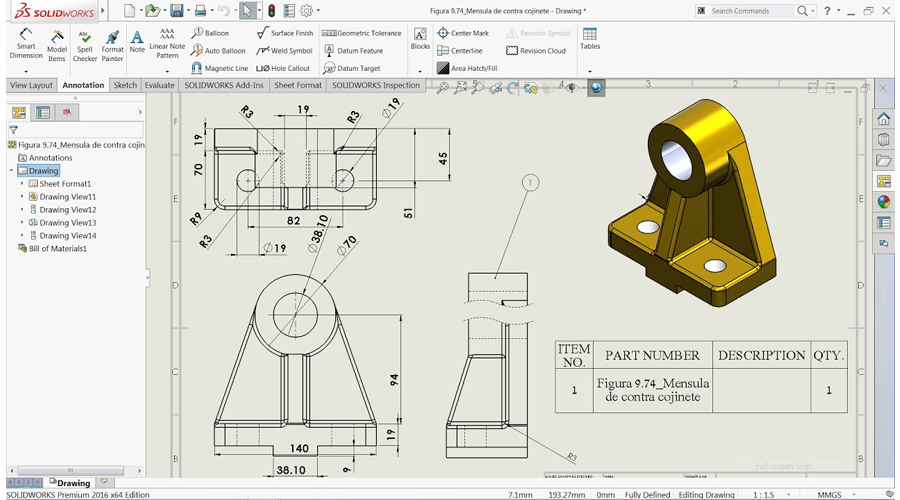
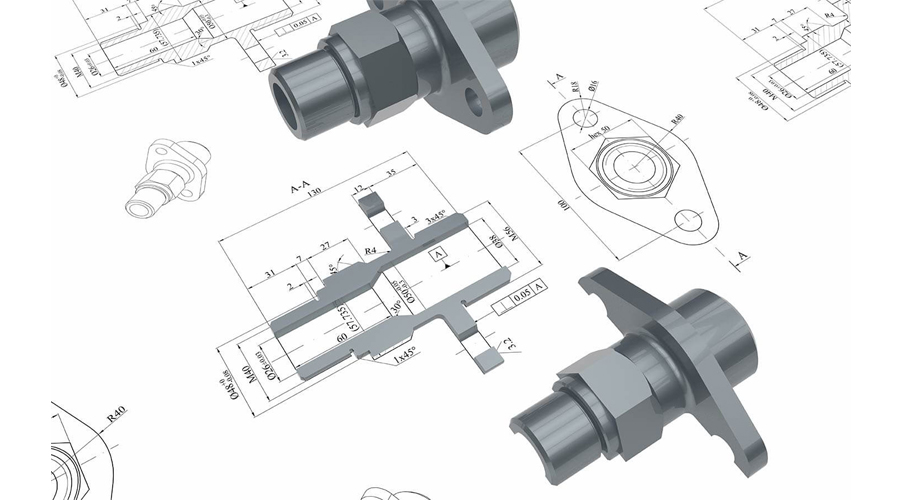
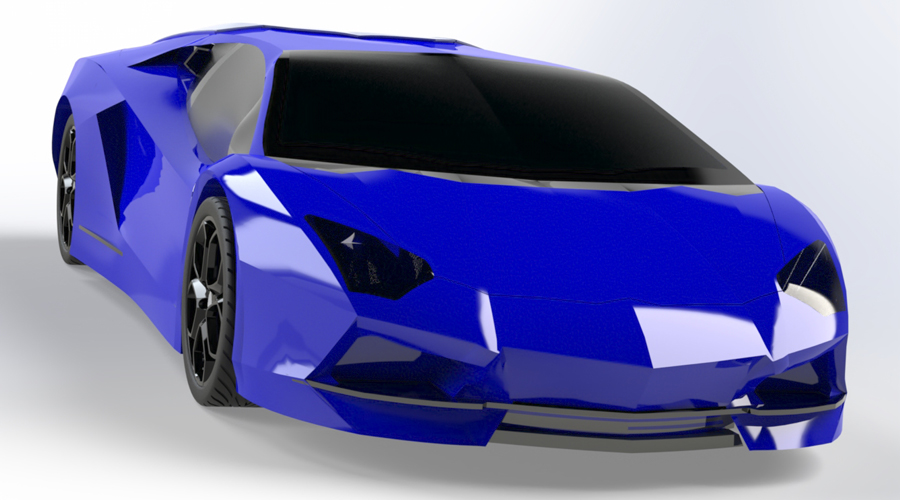
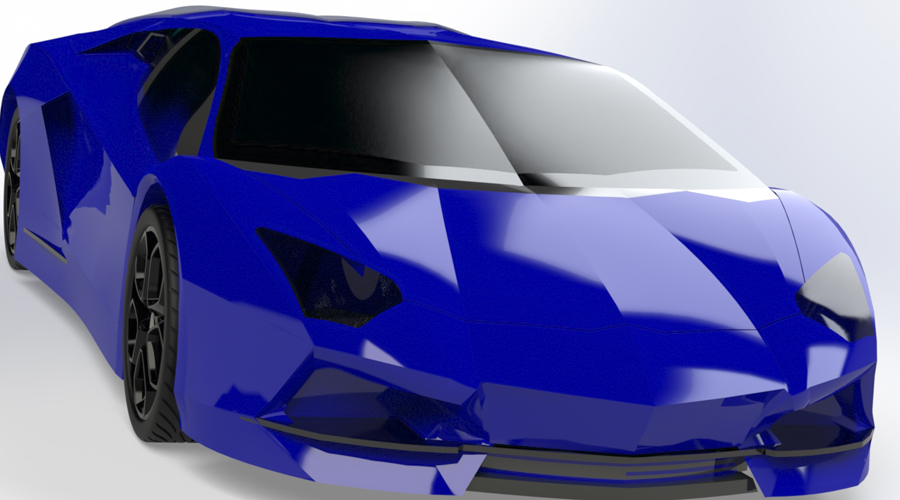
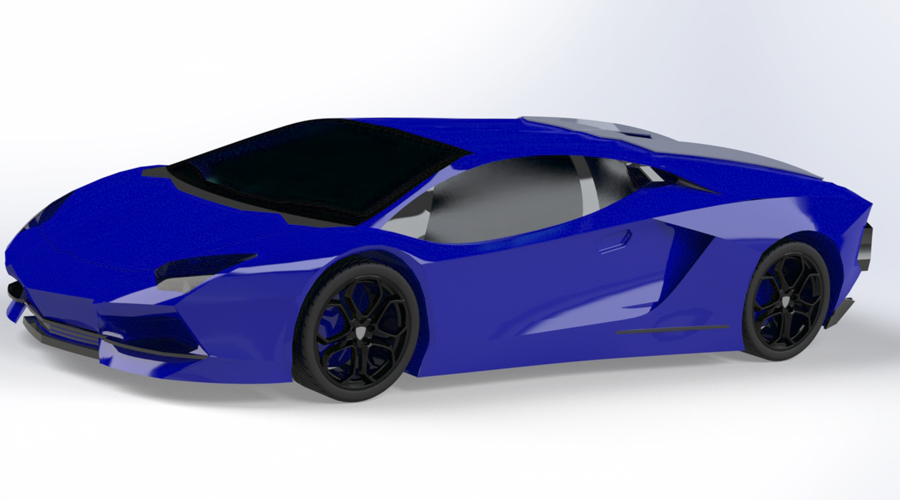
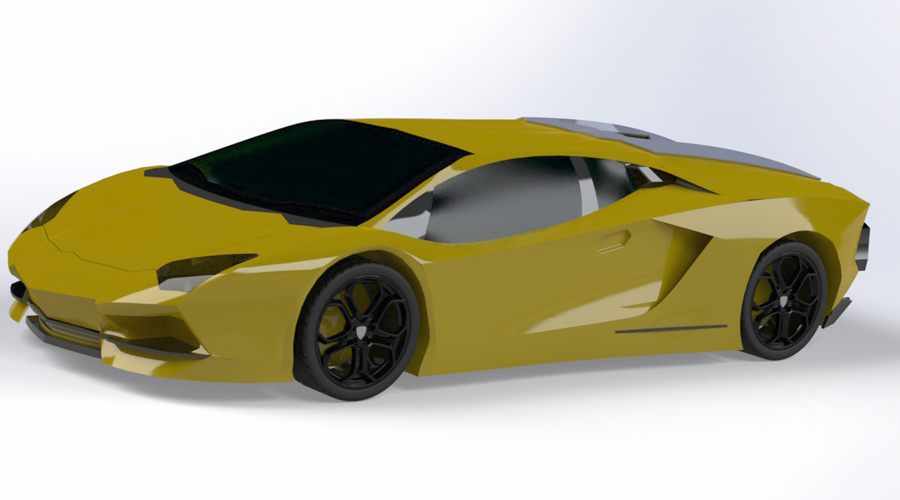
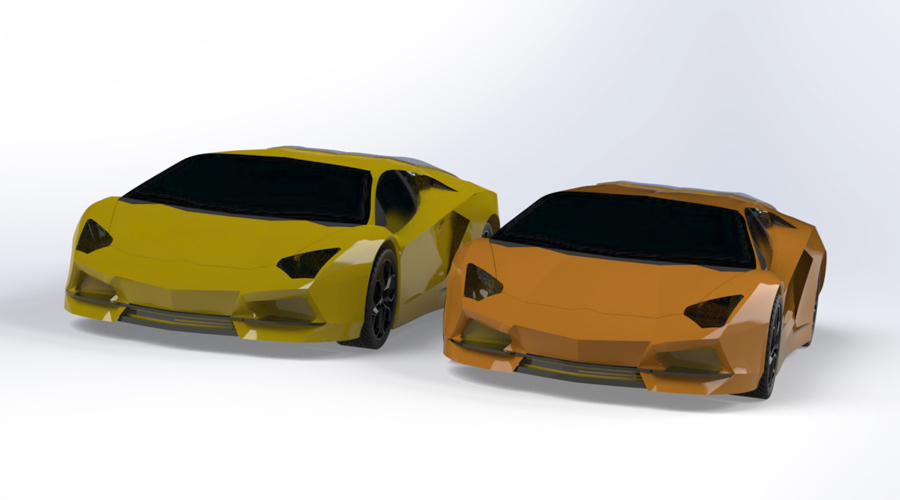
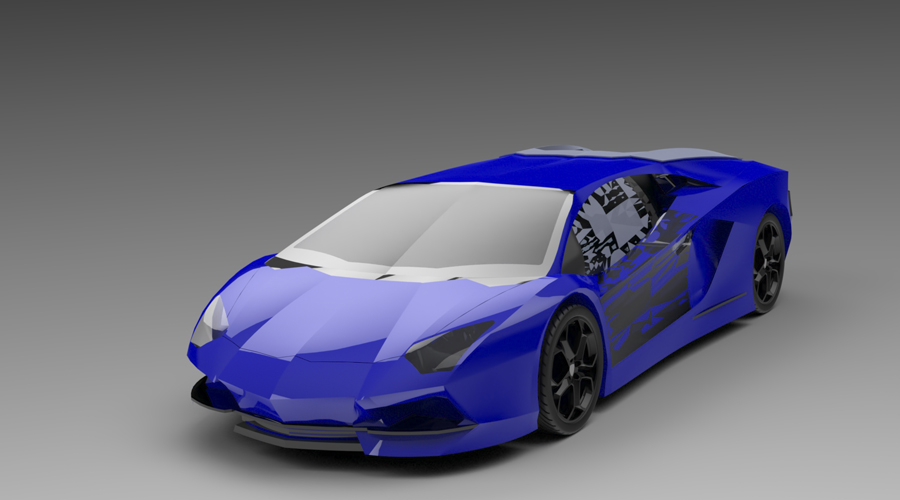
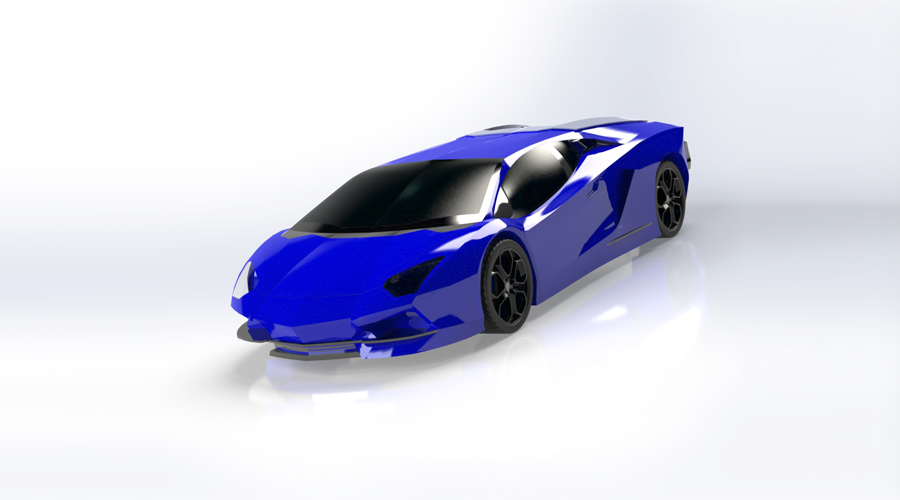
To build-up 3D Modeling skills and to develop mechatronics systems from beginning to end.
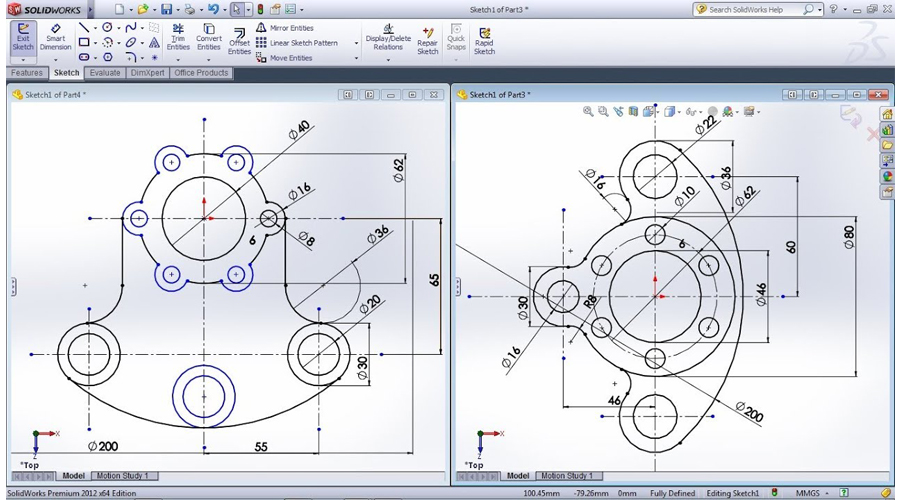
- Sketch Entities – Inference line, Centerline line, Line, Circle, Arc, Ellipse, Rectangle, Slots, Polygon, Parabola, Ellipse, Partial Ellipse, Spline, Spline tools, Spline on surface, Equation driven curve, Points, Text, Construction geometry, Snap, grid.
- Sketch Tools – Fillet, Chamfer, Offset, Convert entities, Intersection curve, Face curve, Trim, Extend, Split, Jog Line, Construction Geometry, Mirror, Dynamic Mirror, Move, Copy, Rotate, Scale, Stretch, Sketch pattern , Polygon,Make path, Close Sketch To Model, Sketch picture, Check Sketch for Feature, Area hatch/Fill.
- Blocks – Make block, Edit block, Insert block, Add/Remove Entities, Rebuild, Save, Explode
- Relations – Adding Sketch Relation, Automatic relations,
- Dimensioning – Smart, Horizontal, Vertical, Ordinate, Horizontal ordinate, Vertical ordinate, Align ordinate, Fully define sketch.
- Sketch Diagnosis, SketchXpert, 3D Sketching, Rapid Sketch
Part Modeling Tools
- Creating reference planes
- Creating Extrude features – Direction1, Direction2, From option, Thin feature, Applying draft, Selecting contours
- Creating Revolve features – Selecting Axis, Thin features, Selecting contours
- Creating Swept features-Selecting, Profile and Path, Orientation/twist type, Path Alignment, Guide Curves, Start/End tangency, Thin feature
- Creating Loft features – Selecting Profiles, Guide curves, Start/End Constraints, Centerline parameters, Sketch tools, Close loft.
- Selecting geometries – Selection Manager, Multiple Body concepts
Creating Reference – points, axis, coordinates
Creating curves
- Split curve, Project curve, Composite curve, Curve through points, Helix and Spiral
- Creating Fillet features
- Inserting Hole types
- Creating Chamfer
- Creating Shell
- Creating Rib
- Creating Pattern – Linear pattern, Circular pattern, Sketch driven pattern, Curve driven pattern, Table driven pattern, Fill pattern, mirror
- Advanced Modeling Tools- Dome, Free form, Shape feature, Deform, indent, Flex
- Inserting Fastening features- Mounting boss, snap hook, Snap hook groove, Vent
- Environment & Utilities – Working with views and manipulating views, Trouble shooting
- Inserting Library feature, Adding Configuration, Inserting Design table, System options, Measuring Geometries, Calculating Mass Properties, Feature Statistics, Working With Equations
Assembly modeling
- Assembly Modeling Tools
- Introduction to Assembly Modeling & Approaches – Top down and Bottom up approach
- Applying Standard Mates- Coincident, Parallel, Perpendicular, Tangent, Concentric, Lock, Distance, Angle.
- Applying Advanced Mates – Symmetric, Width, Path Mate, Linear/Linear Coupler, and Limit Mate.
- Applying Mechanical Mates – Cam, Hinge, Gear, Rack Pinion, Screw, Universal Joint.
- Applying Smart mates
- Applying Mate reference
- Manipulating Components – Replacing Components, Rotating Components, Move Components, Collision Detection, Physical Dynamics, Dynamic Clearance, Detecting Interference
- Creating Pattern – Assembly Pattern, Mirror
- Creating Explode Views
- Top Down Design – Layout Sketch, Work Part in the Context of an assembly.
- Smart Components, Smart Fasteners, Physical Simulation
- Surface Modeling tools
- Creating Extrude, Revolve, Swept, loft, Boundary surface.
- Inserting Planar Surface, Offset Surface, Radiate Surface.
- Extending a surface, Surface fill, Ruled Surface, Trimming Surface,
- Mid surface, Replace Face, Delete face, Untrim surface, Knit surface, Thickening a Surface, Move Face
- Generating Drawing Views
- Introduction To Angle Of Projection
- Generating Views – Generating Model View, Projected Views, Inserting Standard 3 View
- View creation relative to model, Inserting predefined views, empty views, Auxiliary Views, Detailed Views, Crop view, Broken –Out Section, Broken Views, Section View, Aligned Section View, Alternate Position View, Working assembly specific view, Drawing properties, Manipulating views
- Creating Dimensions – Smart, Horizontal, Vertical, Baseline, Ordinate, Horizontal Ordinate, Vertical Ordinate, Chamfer, Attach Dimensions, Align Collinear/Radial, Align Parallel/Concentric, Model Dimensions, Auto dimension, DimXpert, Annotations, Spell check
- Inserting Annotations – Datum Features, Geometric Tolerance, Surface Finish, Jog Leaders, Hole Callout, Datum Target, Dowel Pins, Area Hatch, Cosmetic Thread, Balloon, Centre Mark, Centre Lines, Layers, Working With Tables, Bill Of Materials, Hole Table, Sheets And Templates, Sheet Format.
- Sheet Metal Design
- Concepts in Sheet metal design bend allowance bend deduction, K-factor
- Inserting Base Flange, Sheet Metal Tab, Edge Flange, Miter Flange, Hem, Jog.
- Creating Break Corner/Corner Trim, Closed Corners, Rip
- Inserting Sketched Bend, Fold/Unfold, Forming Tools.
- Inserting Cross Break, Welded Corner.
- Adding Corner Trim, Lofted Trim
- Conversion of Solid Body To Sheet Metal.
- Working with import data – Importing In SolidWorks, Editing Imported Features, Feature Recognition, 2d To 3d Conversion
- Product Data Management
- Introduction to PDM, LAN, WAN, Server, client, user, administrator, advantages of using PDM vault admin. How to log in to PDM Vault Admin? About vault settings, Creating new group, user and accessing rights, PDM data storage, setting up revision schemes
- Creating new project, Check In/Check Out of a new document, viewing the configurations, How to Check In associated files, viewing document information, Check In documents to vault from local disk, adding notes to the document. How to change document to other group? Archive/Restore a document, Delete/Rollback a document.
- Attaching non SolidWorks document,
- How to switch vault to other user?
- How to customize display of a Vault?
- How to do bulk Check In?
- How to make a project archive? How to copy a project?
- How to assign lifecycle status to a component?
- How to add property to a document?
- How to add standard libraries to a vault?
- About global settings
PhotoWorks
- Introduction to PhotoWorks,
- How to render model in PhotoWorks Studio?
- How to render specified area? How to save image to a specified file?
- How to edit scenery? How to apply background and base?
Scene editor
- How to apply material and decal?
- How to set camera and lights?
- Render options
- Introduction to Weldment, 3D sketch,
- How to create user defined profile for structural member? How to insert structural member?
- How to apply gusset and fillet bead?
- How to insert end cap?
- Extruded Boss/Base
- Trim/Extend
- Mirror
- Placing holes
- Using different structural members
- Weldment cut list
Mold design
- Introduction of Mold,
- Type of mold design,
- How to used draft analysis
- Undercut analysis
- Parting line analysis
- Parting line
- Shut off
- Parting surface
- Tool split
- Core
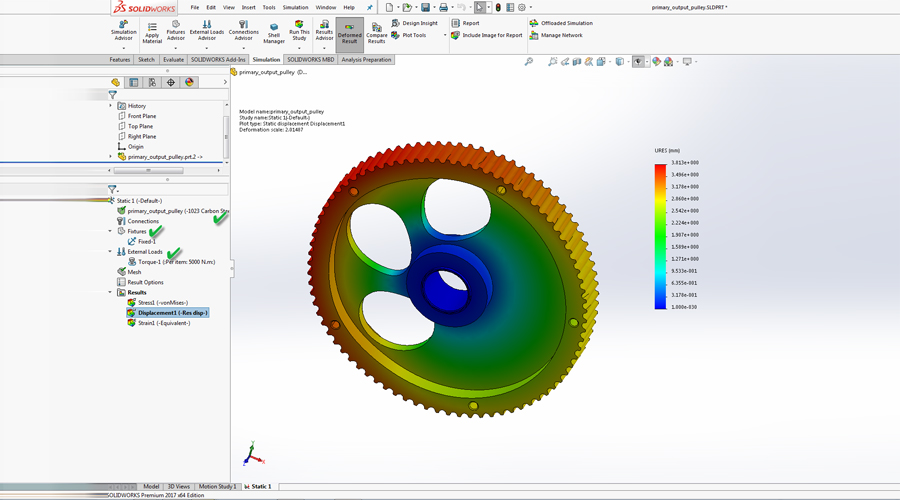
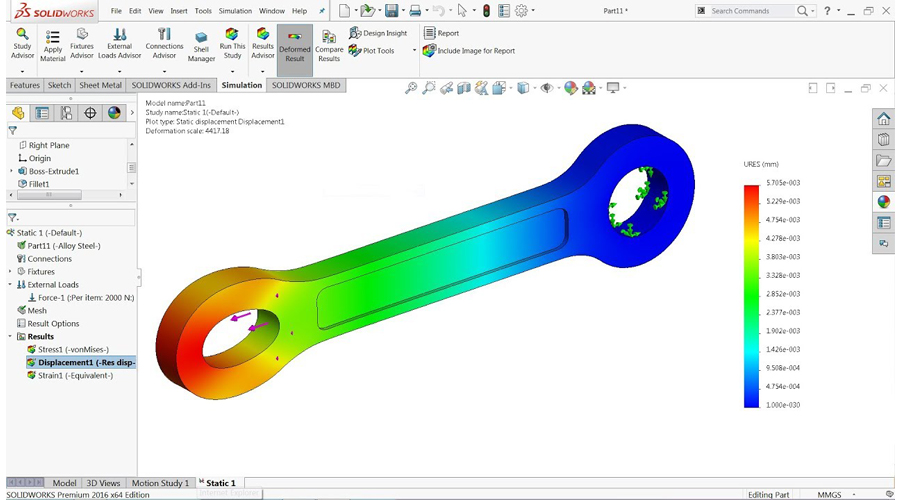
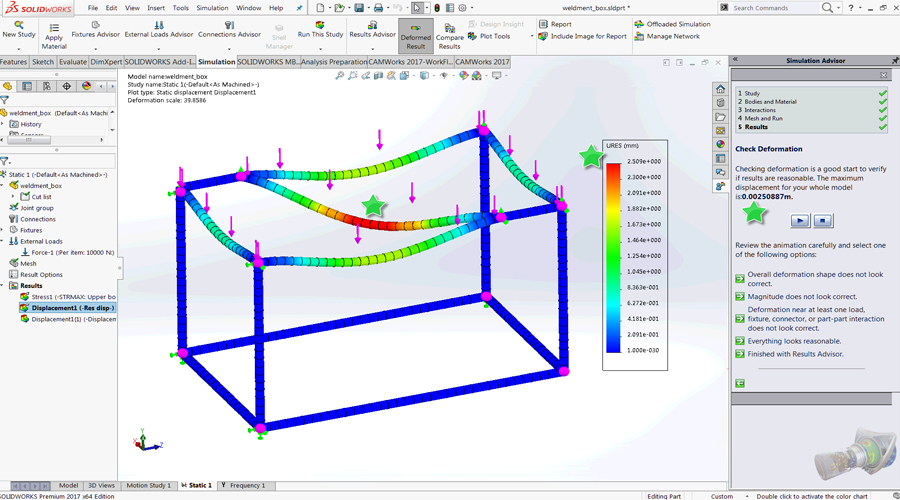
Stress or static analysis calculates the displacements, strains, and stresses in a part based on material, fixtures, and loads. A material fails when the stress reaches a certain level. Different materials fail at different stress levels. Simulation Express uses linear static analysis, based on the Finite Element Method, to calculate stresses. Linear static analysis makes several assumptions to calculate stresses in the part.
Type of analysis is performed
- Linear Static Analysis
- Frequency Analysis
- Dynamic Analysis
- Linearized Buckling Analysis
- Thermal Analysis
- Nonlinear Analysis
- Drop Test Analysis
- Fatigue Analysis
- Design Studies
- Pressure Vessel Design
- Beams and Trusses
- All type of support, all type of loads is covered
Flow xpress
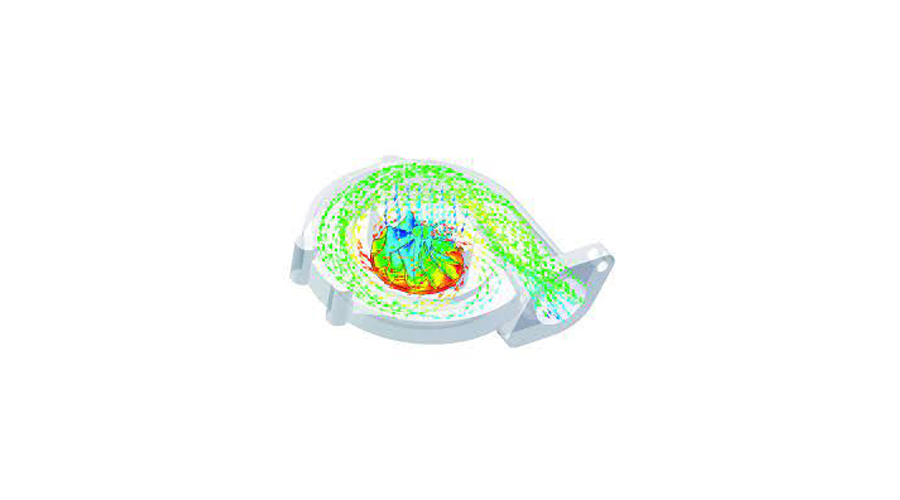
SolidWorks FlowXpress is a fluid dynamics application that calculates how fluid flows through part or assembly models. Based on the calculated velocity field, you can find problem areas in your design and improve them before you manufacture any parts.
- Evaluate
- Dimexert
- Solidworks routing
- Solidworks Toolbox
- Advance Modeling
- Advance Assembly
- Solidworks Motion
- Tracing Method
- Import & Export
- Advance Mold Design
- Industrial Components Design
We provide all kind of services like helping students to their college projects, assignments, preparation for exams, preparation for SolidWorks certification exam and the corporate professionals also on to their company projects.
Want SolidWorks Online Trainer? Reach Caliber Training & Services!
Computer-aided design (CAD) and computer-aided engineering (CAE) software, SolidWorks, is available from Dassault Systèmes and is primarily designed for use on Windows. Although it is feasible to run SolidWorks Simulation on an Intel-based Mac while also running Windows, the app’s creator strongly advises against this approach. SolidWorks is not compatible with macOS.
According to the publisher, SolidWorks flow simulation was being used by over 2 million engineers and designers at over 165,000 firms in 2013. In addition, SolidWorks generated $483 million in sales during the 2011–12 fiscal year.
Caliber Training & Services provides comprehensive SolidWorks online training in New York or anywhere in the world. Live projects and simulations are part of the full practical instruction given by experienced people from the industry. Students who will join us have been able to get jobs at various multinational corporations in the USA or around the world because of our in-depth Online SolidWorks 3D design course in Houston, USA, or anywhere on the globe. It’s not a hidden secret that Caliber Training & Services is a leading provider of SolidWorks online training in the USA. There are many career options for those who have completed the SolidWorks online in Newyork, California, or anywhere in the world.
In addition, attendees may choose from online classes to fast-track one-on-one classroom instruction as per their comfort level. Learn SolidWorks professional training in Los Angeles to complete the training and course like a pro to shine brighter in the future.
Caliber Training & Services Inc., USA, is the best and no.1 training center for SolidWorks online training in Chicago or anywhere in the USA or around the globe. We offer courses for all skill levels, from absolute beginners to advanced users. We provide the best and most adaptable training environment, experienced instructors, and flexible training schedules for all courses for students, professionals, and managers. Students from various backgrounds can enroll because we provide cost-effective virtual solutions.
Those seeking SolidWorks training online in Houston, USA, will find that this course offers flexible learning options to suit their schedule, allowing them to balance their education with other commitments.
What is the reason to select Online SolidWorks training from Caliber?
The flexibility is especially advantageous to professionals and students living in large cities. The SolidWorks online course in Houston is designed to fulfill the requirements of a diversified and dynamic workforce. We know that each learner is different and possesses different goals and learning styles. With our online format, we can provide you with individual attention and care, enabling you to benefit the most from your training experience in any city in the USA or around the world.
Career Scope after Solid Works Training at Caliber Training & Services
Our SolidWorks online course in San Francisco, USA, aims to provide students with the skills necessary to create visually appealing designs for a wide range of tasks. Our trainers are industry experts who teach their students the skills necessary to deal with a wide range of challenges in the workplace. In this field, students who complete their education at our training company can cross any competition or get opportunities in top MNCs.
After completing SolidWorks training courses in Los Angeles with us, students will be able to solve problems, including sheet metal design, creating corners and bends, forming tools, introduction to sheet metal creation tools, drafting, introduction to drafting, and creation of SolidWorks drawings, annotations, etc.
Who is the best for this course?
Every student who has the fortitude to study harder and thrive in a competitive environment might benefit from SolidWorks online training in Chicago, USA, or anywhere around the world. Students are required to take a SolidWorks online course class from experienced trainers to get the best learning possible. We provide affordable and value-for-money courses, making it possible for students from all walks of life to participate in training-
- Mechanical/Civil/Product Design Engineering Students: If you are in the USA and looking for a SolidWorks course in New York, then it is best. Also, for those who are currently pursuing education and want to master mechanical, civil, or product design engineering, and want to increase their proficiency in CAD software.
- Working Professionals: This course is also best for those who are already working professionals in 2D & 3D design but want to upgrade their skills.
- Mechanical: Mechanical engineers who are beginners or those who want to update their knowledge about CAD and want to practice on the SolidWorks course in New York, USA, to gain real-time knowledge in the industry can join.
- Professional development: People who have just joined the workplace and require skills in SolidWorks to increase their chances of being hired.
- Career switchers: Professionals interested in changing careers from what they are practicing or have practiced in the past to design engineering or product development.
- Business professionals: Anyone who wants to learn SolidWorks for business purposes but does not necessarily require the college course.
- Professionals Needing Project Help: This course will be best for some professionals who need SolidWorks project help or SolidWorks assignment help in a specific design.
Choosing to go with Caliber Training & Services means getting the highest level of SolidWorks training online in Houston, USA, or anywhere in the world, which adds value in terms of learning solutions, scheduling options, and relevance to the working environment.
Discover your Key to a satisfying Career.
It is an investment in your future to invest in your skills. Having SolidWorks expertise through Caliber Training and Services, you will be properly prepared to have a rewarding career in many different fields, such as aerospace, automotive, consumer products, and medical devices.
Distance should not become an obstacle to your career. You are in New York, Los Angeles, Chicago, Houston, or San Francisco, or anywhere in the USA or in the world, and still you can access online SolidWorks training courses at the touch of a button.
Ready to take the next step? You can use the contact button to get to know more about our SolidWorks online training and to book a free demonstration. Caliber Training & Services will help you master the most popular 3D design software in the world.
Contact NOW!
FAQ
It depends on you; if you give yourself proper time to learn and go with the SolidWorks online course flow, then you can learn it a few times. Basic aspects of SolidWorks can be grasped within 2-3 weeks while mastering the enhanced aspects can take 2-3 months at the least.
If you want to get started with Solidworks, you can take a SolidWorks training online by Caliber Training and Services Inc., USA. Here you will learn everything from start to finish, so even if you are a beginner, you can become a professional through the course.
All in all, SolidWorks is quite simple to understand if you are a complete beginner and don’t have knowledge about any CAD program. Yet, as has been mentioned before, mastering complex tools and techniques is a matter of more practice.
1 Review
Very knowledgeable in my homework field. They helped to understand my homework and I will be calling on her again. Sorry, it took me so long but, the other classes are kicking my butt hopefully I will become a better student in this field to understand solidwork. Without the tutor I had I would have been lost. The knowledge they have helped me with is learning how to use the tools that are needed for that project. They were very professional and polite with me they knew that I was nervous about this.