
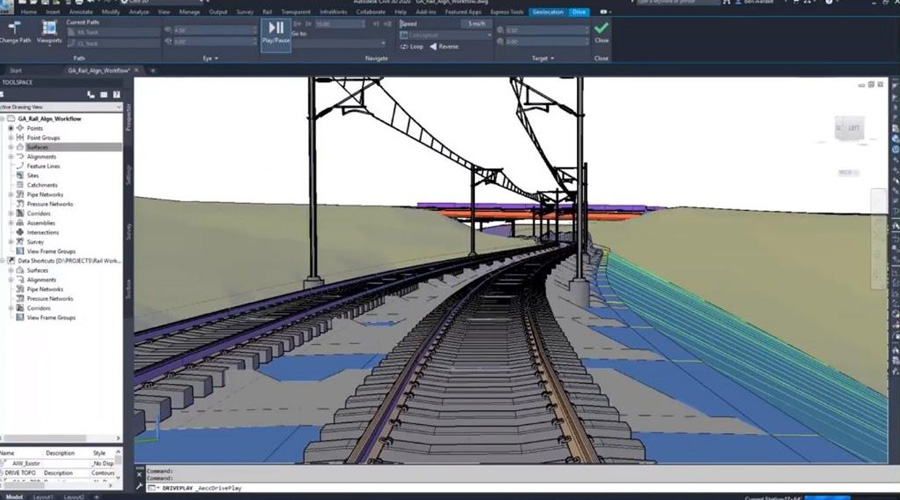
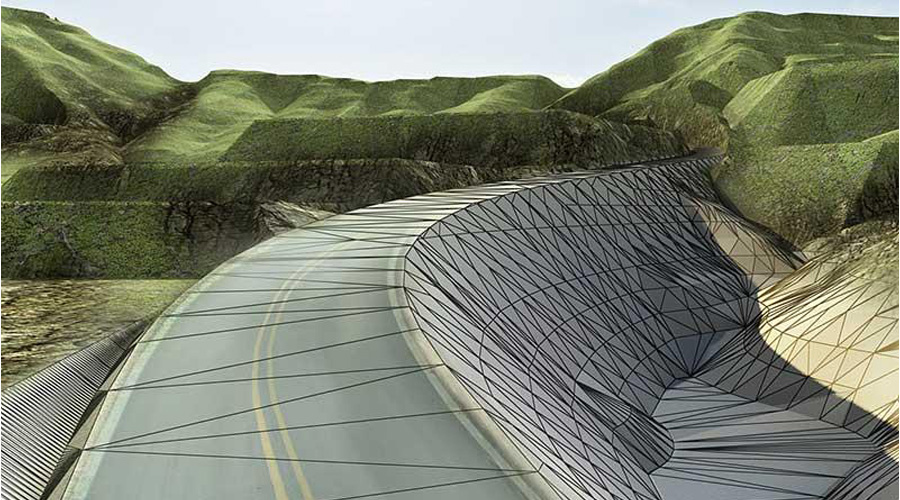
For all your infrastructure needs there is only one solution AutoCAD Civil 3D
- Feature lines
- Parcel Design
- Grading
- Utilities
- Corridor Design
- Intersections
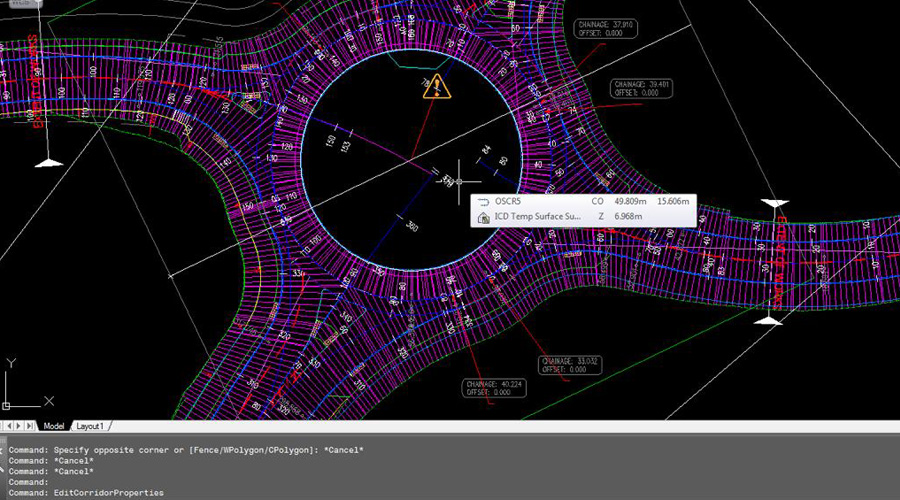
- Roundabout
- Geometric Design
- Surface Analysis
- Contours
- Breaklines
- Label styles
- Points
- Surface modelling
- Plan production
- Layout settings
Land development and survey
Site development for cut fill balancing depending on the type of survey (can be normal survey or any other type of survey)
Roads and highways, land development, rail, airports, and water
Capable of design variety of civil infrastructure project types with every input possible and all output reports are readily available
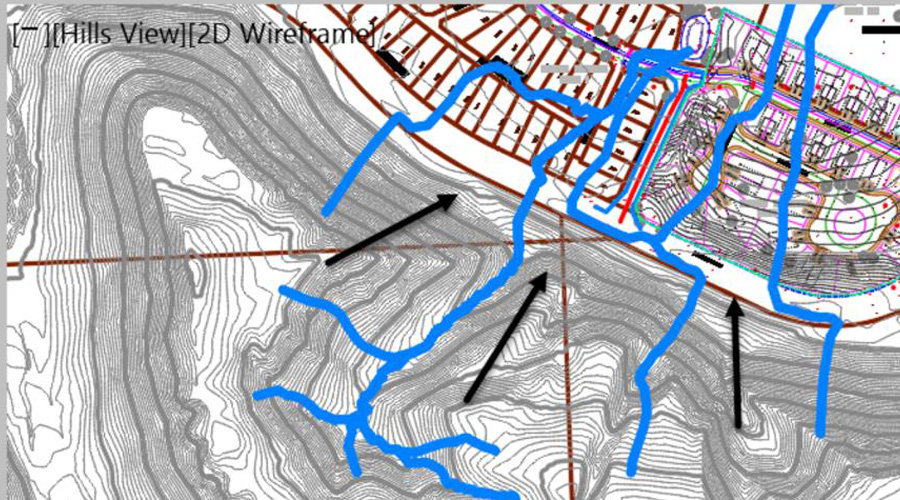
Cloud modelling (Terrain)
Modern techniques are also compatible with this software for terrain modelling
Alignment
Geometric design for any specific continent or country is available with full theoretical explanation of concept and its applications
Profiles
Profile design for giving a best experience of levels and connecting elements for getting a better visibility for roads, and for any cut fill balancing of the required road or any sort of small area to be developed
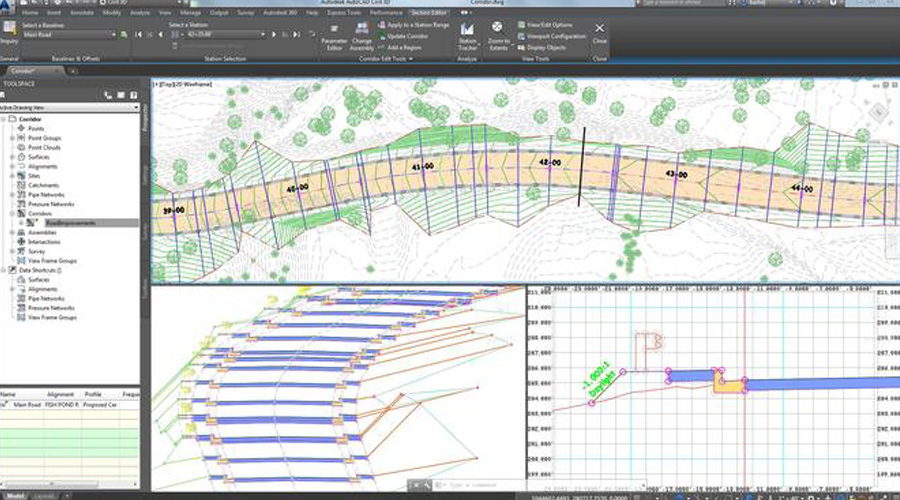
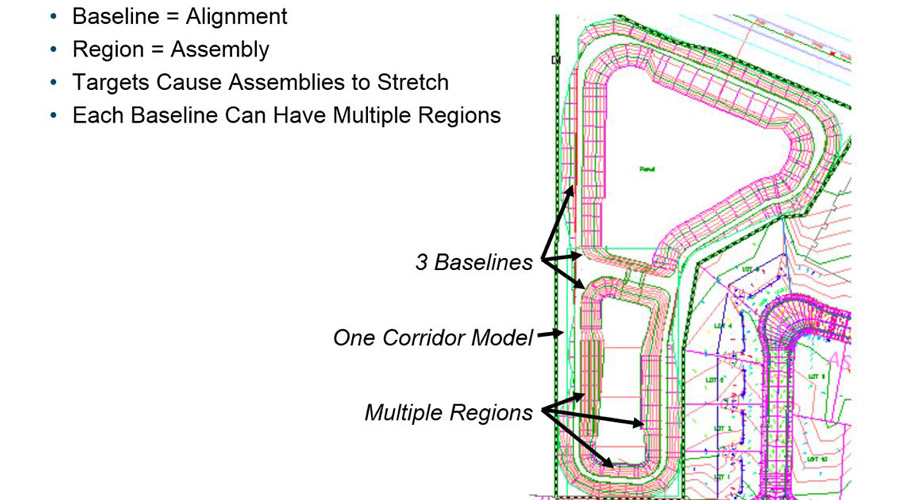
Corridors
Selecting the best section to be applied with all technical specifications, related to roads and better theoretical explanation about using tool pallet for assemblies and sub-assemblies to develop a corridor
Quantities
Earthwork volumes, material volumes and total cut fill with multiple methods to avoid any approximation errors, we all method even for a small quantity
Apart of all these main features available software is capable of handling multiple entities, like polylines and alternatives to be used for short & small projects, below are the topics we always include for training proposes:
- Learning the template setting
- Preparing subassemblies using polylines
- Using 3D polylines and feature lines as elevation targets
- Using xref as Targets
- Dynamic production of Drawings
- Data Shortcuts
- Sessions
- Projects
- Students’ projects
- Project data management
- File handling
- Data handling
- Source information
- Design Engineering
Connect for AutoCAD Civil 3D Online Training Courses at Caliber Training & Services
With integrated capabilities for better drafting, design, and construction documentation, AutoCAD Civil 3D civil engineering design software supports BIM (Building Information Modeling). If you are interested in AutoCAD Civil 3d online training courses, Caliber Training & Services can help you!
We provide the AutoCAD Civil 3d training online in civil engineering, which contains all the basic and advanced tools and techniques required to do any project. Here, you will learn what is grading, alignment designing, and report production are. All our courses are designed to fit the flexibility needed by working professionals or those in other engagements, so you can master the software effectively.
Why Choose Caliber Training & Services for Civil 3D Online Training?
We believe in designing learning opportunities that meet the demands of working professionals, students, and practitioners in the industry. Our programs are online, interactive, and we designed them to execute within your schedule, regardless of your location.
We offer:
- Online learning with professional instructors.
- Projects and case studies.
- Flexible learning times.
- The updated Civil 3D tools and practices.
Whether you are looking for Civil 3D training online in New York, or a Civil 3D certification course in Chicago, or online Civil 3D design classes in Houston, Caliber Training and Services has got you covered. We have our training programs worldwide, and customized training for professionals in both Los Angeles and San Francisco.
Grading Optimization for Civil 3D
Carry out grading design studies within project limits. Grading Optimization only helps in Civil 3D projects as part of the Architecture, Engineering & Construction Collection.
- Time-consuming grading activities may be automated.
- Explore several options to get the best grading solution.
- Return to Civil 3D for a comprehensive design of the chosen grading proposal.
Project Explorer for Civil 3D
When you take a Civil 3D virtual course in San Francisco or anywhere in the USA, you’ll learn how to browse, view, and interact with Civil 3D design models in a whole new way. The Architecture, Engineering, and Construction Collection is the only way to get Project Explorer in CIVIL 3D project services online.
Our Civil 3D certification course in Chicago also includes training on Project Explorer, enabling you to
- Simplify the process of reviewing and changing designs.
- Validate that the design goals have been reached promptly.
- Automate the creation of bespoke reports and tables.
Course Objectives
Our main mission in the Civil 3D virtual course in San Francisco and other places is to provide individuals with skills that are pertinent to contemporary industry practices.
Those with a background in surveying and civil engineering may take advantage of the AutoCAD Civil 3D training near me. The software’s dynamic design feature allows for the quick construction of alternatives using model-based design tools. Students may learn how to manage project data, build and analyze surfaces, construct parcel layouts, road corridors, and network layouts by enrolling in this Civil 3D online training.
Role in the Industry
When it comes to software, the majority of AutoCAD Civil 3D clients come from the construction and civil engineering industries.
Course Highlights
Being the best institute for CIVIL 3D projects services online, Caliber Training & Services offers Online Civil 3D design classes in Houston, and everywhere in USA, which intend to give users a whole experience of the software.
This Civil 3D certification course in Chicago by the AutoCAD Civil 3D trainer near me intends to give users a comprehensive experience of the software. Civil 3D models and related outputs will be taught via hands-on activities and projects. Students will be able to do the following after completing this course:
- Use the AutoCAD Civil 3D user interface to go around.
- Work with survey statistics and create point groupings.
- Surfaces may be created, edited, and analyzed.
- Survey of LiDAR.
- Alignments are created and edited.
- Make solutions for grading.
- Carry out a quantity takeoff and a calculation of the earthwork.
- Roundabout, corridor, junction, and pipeline network design.
Differentiator
The learning technique for the subject at Caliber Training & Services is based on students’ learning needs, allowing students to study most appropriately for their skill set, schedule, and knowledge. You will get an AutoCAD Civil 3D training online Certificate upon completion of this course.
Who should enroll in this program?
- This course is open to anybody interested in advancing their civil engineering career.
- This course is also appropriate for civil engineers, civil engineering drafters, surveyors, utility engineers, and stormwater engineers who work with AutoCAD Civil 3D.
Learn the Civil 3D program online in Los Angeles to improve their design capabilities using advanced tools and real-world project scenarios.
Civil Engineers: Sharpen your skills and be aware of the modern tendencies in the sphere.
CAD Technicians: Extend your knowledge base and become productive in the AutoCAD Civil 3D.
Students: Get basic knowledge in civil engineering design application.
Professionals in Related Fields: Discover what the use of AutoCAD Civil 3D can bring to your profession if you are an architect, surveyor, or construction manager.
We are the right Civil 3D trainer for you. Contact us at Caliber Training & Services for Civil 3D training today!
FAQ
Learning AutoCAD Civil 3D can take around 3-6 months for basic proficiency, depending on your prior experience with CAD software and the time you dedicate to learning. Mastery may take longer, especially for more advanced features.
The fastest way to learn AutoCAD is through structured courses, either online or in-person, combined with hands-on practice. Using tutorials, and templates, and practicing real-world projects can also speed up the learning process.
Civil 3D can be challenging for beginners due to its specialized tools for civil engineering tasks. However, with consistent practice and good resources, it becomes easier to grasp over time.
3 Reviews
Very helpful as I was not sure of all the steps to complete tasks in the corridor portion of AutoCAD civil3d. I feel confident I can ask them again for help in the future should I need it.
The trainer is very good! He taught me some basics on how to get grids in place, detail level, add a conduit, and set up the screen for maximum usage, all of which helped me feel more confident in opening and using the software. Thanks