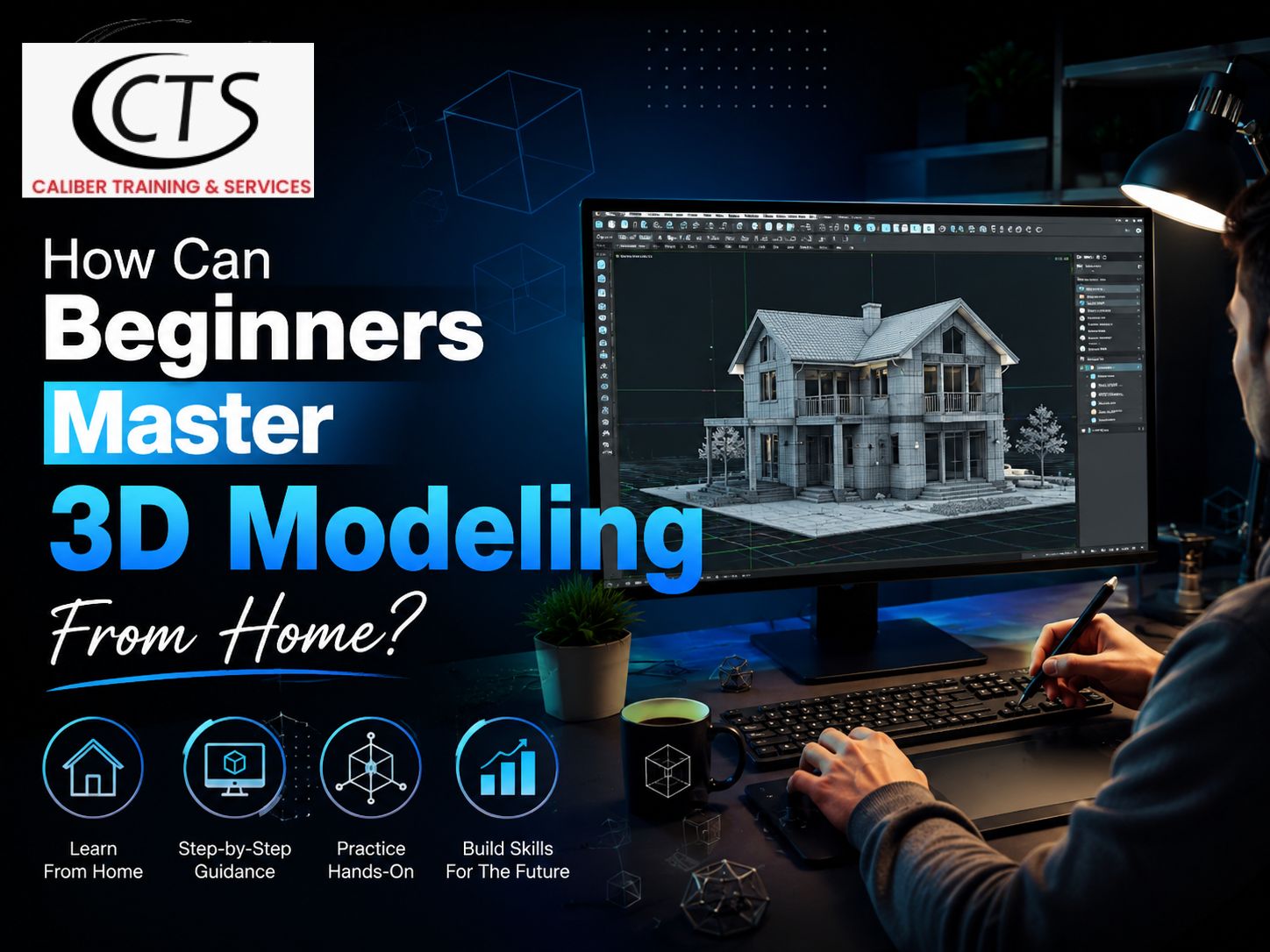
How Can Beginners Master 3D Modeling From Home?
There are plenty of creative opportunities in the 21st century. And 3D modeling is one such highly rewarding profession. In the world of design and engineering, which is constantly changing, master 3D modeling is one of the most essential skills for designing detailed and precise parts. For anyone with little or no experience in 3D part modeling, or for anyone looking to branch into the field, SketchUp online training can offer a whole new world of opportunities.
If you think 3D modeling was something that was only used by studios and architecture firms. No longer is that the case. It’s easy to pick up from the comfort of your home behind a laptop—if you have a little patience. But many people starting have the same question: Where shall I begin? Let’s get down to brass tacks without all the crap.
Why Do So Many People Want to Learn 3D Modeling Now?
Whether it be the video game development industry, engineering companies, films, video production, software firms, graphic design, illustrations, architecture, special effects, or commercial advertising at home, all of these require someone who can create models.
This is a market that is being filled by companies. There are even freelancers getting paid for it. No design degree required for admission. It takes practice and the proper beginning.

What do you have to do to get started?
Not much, honestly. A computer that can run basic 3D software, a mouse (a real one, a trackpad won’t do), and a bit of free time every week. There’s no need for a fancy graphics card in the opening game. Even most of the beginner software works well on a regular laptop.
You need a plan, though. Most people drop out in the first month by jumping from one of five different YouTube tutorials, in no order. If you take SketchUp online training, then it helps you to make a plan for learning. And you also get study material for reading.
What software is the best for a beginner to start with?
This is a stumbling block for people. Dozens of options—Blender, Fusion 360, SketchUp, Maya, and more. They’re each used in distinctly different ways.
SketchUp is one of the more approachable tools for beginners. The interface is easy to use. Draw a wall, push up the form into a 3D shape, and get results in minutes. That instant feedback keeps people motivated, and it’s as important as people realize when learning something new by yourself at home.
How do you get the fundamentals without getting lost?
Start small. Avoid modeling a full house on day one. Model a box. Then a chair. Then a small room. Build up slowly.
Many people attempt to be self-taught using random videos and end up with gaps in their knowledge. Structured learning comes to your rescue. A SketchUp online training program guides you through the tools, one by one, rather than letting you wonder what to learn next. You don’t have to create your own path, you follow one.
Why Does Structured Training Matter More Than People Think?
Free tutorials are OK if you want to learn a trick or two. But they generally do not tell you why it works, they simply tell you how to click through it. There’s nothing wrong with copying steps — but if you only copy steps, you’re not learning the software, you are only memorizing one project.
SketchUp online training will bridge that gap. It is not the traditional “watch while I do it” approach, but a true skill-building exercise. You practice your tools in different contexts until they “stick.”
How long does it actually take to get good?
While there are no set rules, most people, after only 2-3 months, feel comfortable practicing a few hours per week. “Comfortable” is not to be confused with expert. It means that you can access the program and create something without worrying about lost tools.
If you need to move things along, it’s more important that it is consistent than that it is long. 30-minute sessions every day are better than one session on the weekend.
Should beginners get certified?
It is based on your objective. If 3D modeling is merely a pastime, there’s probably no need for you to have one. However, for some freelance jobs or when including it for a resume, a certificate provides proof of skill. Employers and clients like proof.
Here’s a SketchUp certification course to consider. It’s not about collecting a piece of paper — it means that you completed a structured program so that you can use the software with real projects and not just simple shapes.
What are some common mistakes beginners make?
Attempting to absorb all the information at once. Not studying fundamental facts, which appear to be dull. Making comparisons between their first project and the tenth. This slows people down, all of this. It is better to practice slowly and steadily.
Another typical error is installing and uninstalling software every week, only to use a new tool that has just been added to the internet. Choose one and follow it for several months; if you wish, explore other options.
Where to get organized support as a beginner?
Caliber Training Services is a program that will take you from zero to confident with SketchUp online training and a SketchUp certification course designed for individuals with no design experience who begin at home. It can be accessed at calibertrainingservices.com.
Conclusion
Anyone can learn 3D modeling at home. It only requires a few steps in the correct sequence and consistency. Use a more basic tool, work through a sequence of videos rather than random ones, do a bit of practice each day, and consider getting certified when you’re ready to demonstrate your skills. It’s as simple as that.